Workspace Control
A workspace row for the bar with app icons and live previews when you hover. Swipe up with four fingers and you get a panel of every workspace, where you can move, focus, close, and reorder windows by dragging them.
Linux desktop · open source
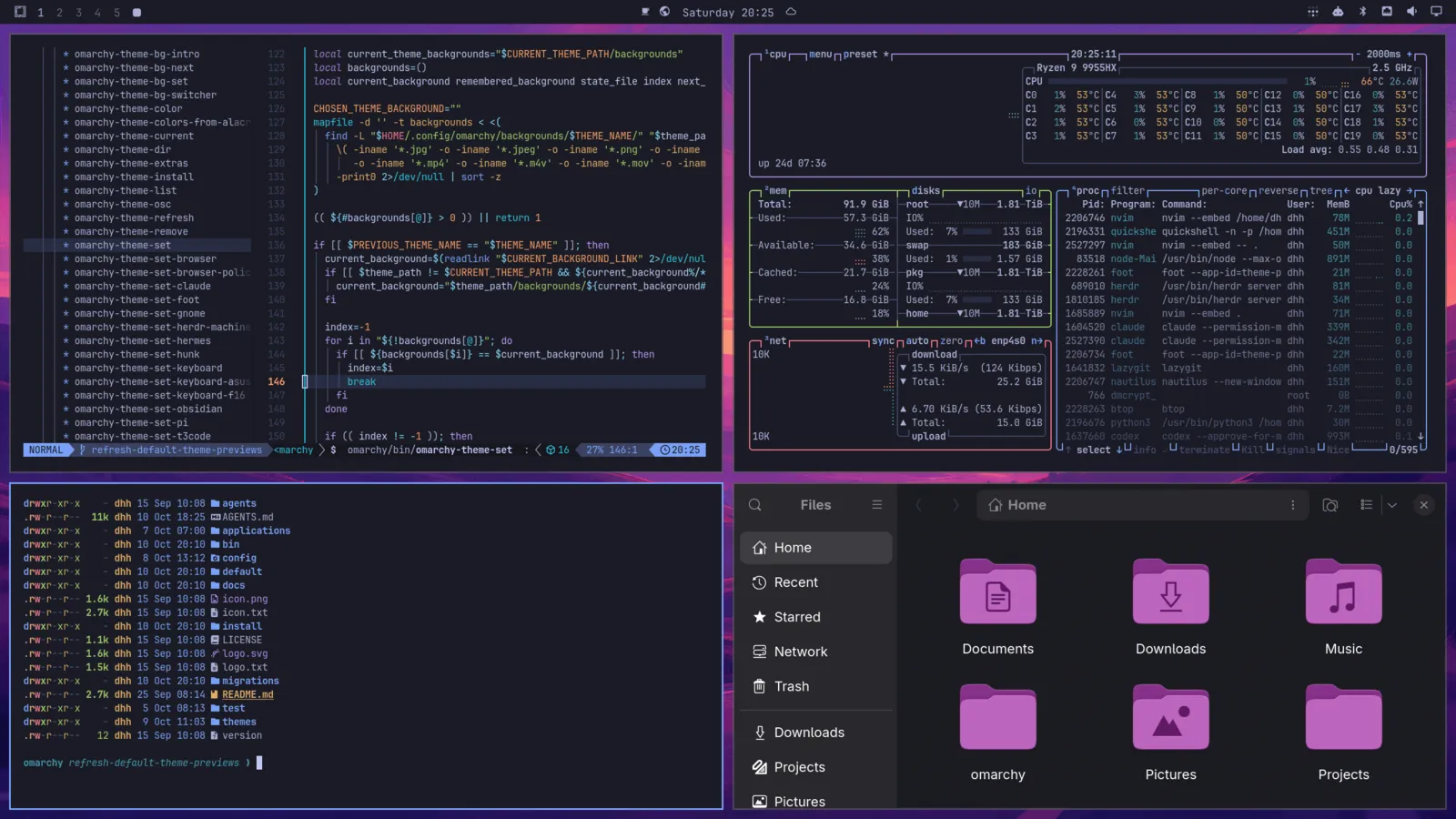
Omarchy is an Arch Linux desktop built on Hyprland. It's what I use every day, on a MacBook running Asahi Linux.
Whenever something got in my way, I fixed it and put the fix in its own repo, so anyone can take just the parts they want. Each one says exactly what it changes and how to put things back.
A workspace row for the bar with app icons and live previews when you hover. Swipe up with four fingers and you get a panel of every workspace, where you can move, focus, close, and reorder windows by dragging them.
Linux's built-in option ignores every touch while you type, fingers included. macOS judges each contact on its own instead, so a palm on the corner is ignored but a finger reaching for the pointer still works.
This is a small daemon that sits between the trackpad and libinput and does the same thing, using the size and shape data the trackpad already reports. If it crashes, the kernel hands the real trackpad back. It never stores or logs which keys you press.
A four-finger swipe between workspaces with a fade, and a clear point where letting go commits to the switch or snaps back. Every workspace from 1 to 10 is reachable in either direction, empty or not.
Drag a floating window too far and you could lose its title bar off the edge, with no way to grab it again. This keeps the title bar on screen while the rest of the window can hang past the edge.
I've proposed it to Omarchy itself in omacom/omarchy#18212. The local version switches itself off once Omarchy ships the fix.
Standalone desktop apps in C++ and Qt Quick, built the same way Omarchy's own apps are, and packaged for Arch.
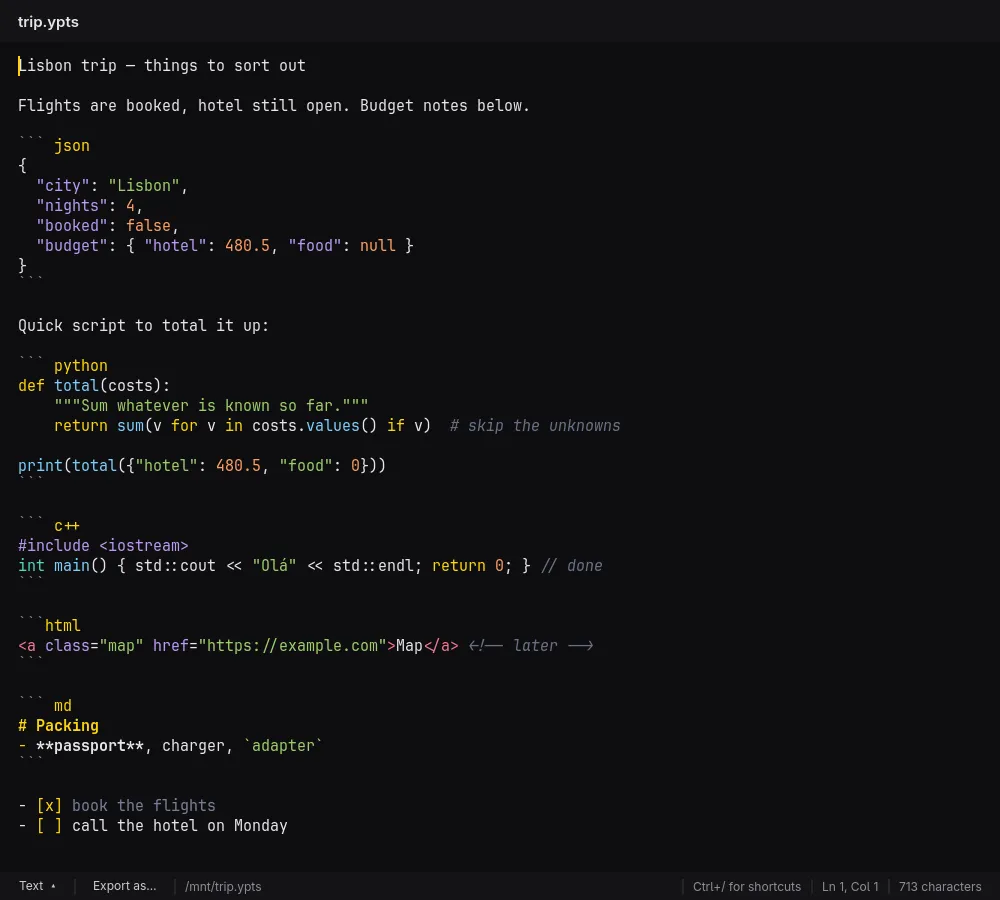
Notepad · source public
A plain-text notepad that opens any text file and shows it seven ways: text, Markdown, a foldable JSON tree, HTML, a CSV table you can edit, highlighted code, and a diff of what changed since you saved.
Source →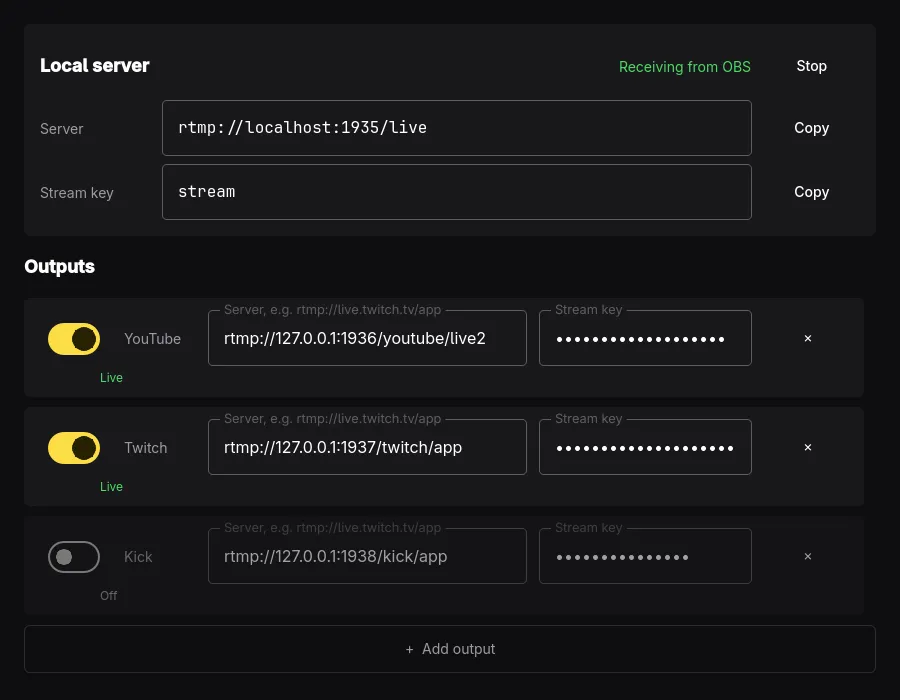
Streaming · not released yet
Stream to YouTube, Twitch, Kick, and anywhere else at once from a single OBS stream, without re-encoding. Stream keys are kept in the system keyring, not in a config file.
Smaller pieces that together make up how my desktop looks and works. omarchy-dtp-install opens a checklist and installs whichever ones you pick.
A list-style app launcher with search.
Opens the menu and app list in the corner by the menu button.
The Omarchy menu restyled to match the rest.
The bar, with its see-through level set by the theme.
Bar flyouts that match the bar's glass look.
Volume and brightness sliders in one bar button.
Hides the tray arrow until you point at it.
Moves the status buttons into the tray drawer.
Softer borders and glass title bars.
Turns the dock off and keeps the keys that replace it.
Tokyo Night plus the shell overrides that tie it together.
Cursor, touchpad, text size, and bar settings.